Start with a prompt or a reference frame. Explore Kling, Veo and Seedance, with control over the model, duration and available resolution for every clip.
Create campaign visuals and product shots with Nano Banana Pro, GPT Image and Seedream. Use references, edit your images and remove backgrounds in one workspace.
Choose a face from the actor library, pick a voice or upload your own audio. Turn a portrait and your message into a talking video with synchronized speech.
Examples are alternative uses of one balance, not a bundle. Hover a line for the setting used; the exact price is shown before you generate. See what things cost
Frequently askedquestions
Vioni brings AI product ads, talking actors, cinematic video and image creation together in one workspace. Start with a prompt, a photo or a script.
You can sign up to try Vioni. Paid plans provide monthly credits for creating more images and videos.
Vioni is built for commercial creative work. Use content you have rights to, and review the applicable model terms for your intended use.
Explore Kling, Veo, Seedance and Grok for video, and Nano Banana, GPT Image, Seedream and Qwen for images. Available settings vary by model.
Use your product photo as a reference to guide its appearance. Review each result and refine any shots that need adjustments.
Yes. Talking actors use your script and a selected voice, or audio you upload. Supported video models can also generate native audio.
Choose a supported aspect ratio before generating, including portrait and landscape options. Resolution and duration depend on the selected model.
Manage your subscription from your account. Check the billing details and refund policy before making changes.
Start with a photo or a description of what you want to make. Vioni provides model controls and guided creation tools so you can refine your results.
The credits needed depend on the tool and generation settings. Check the displayed cost before creating. Image and video examples on pricing cards represent alternative uses of the same credit balance.
Create without limits
Your next idea starts here. Generate, refine, create.
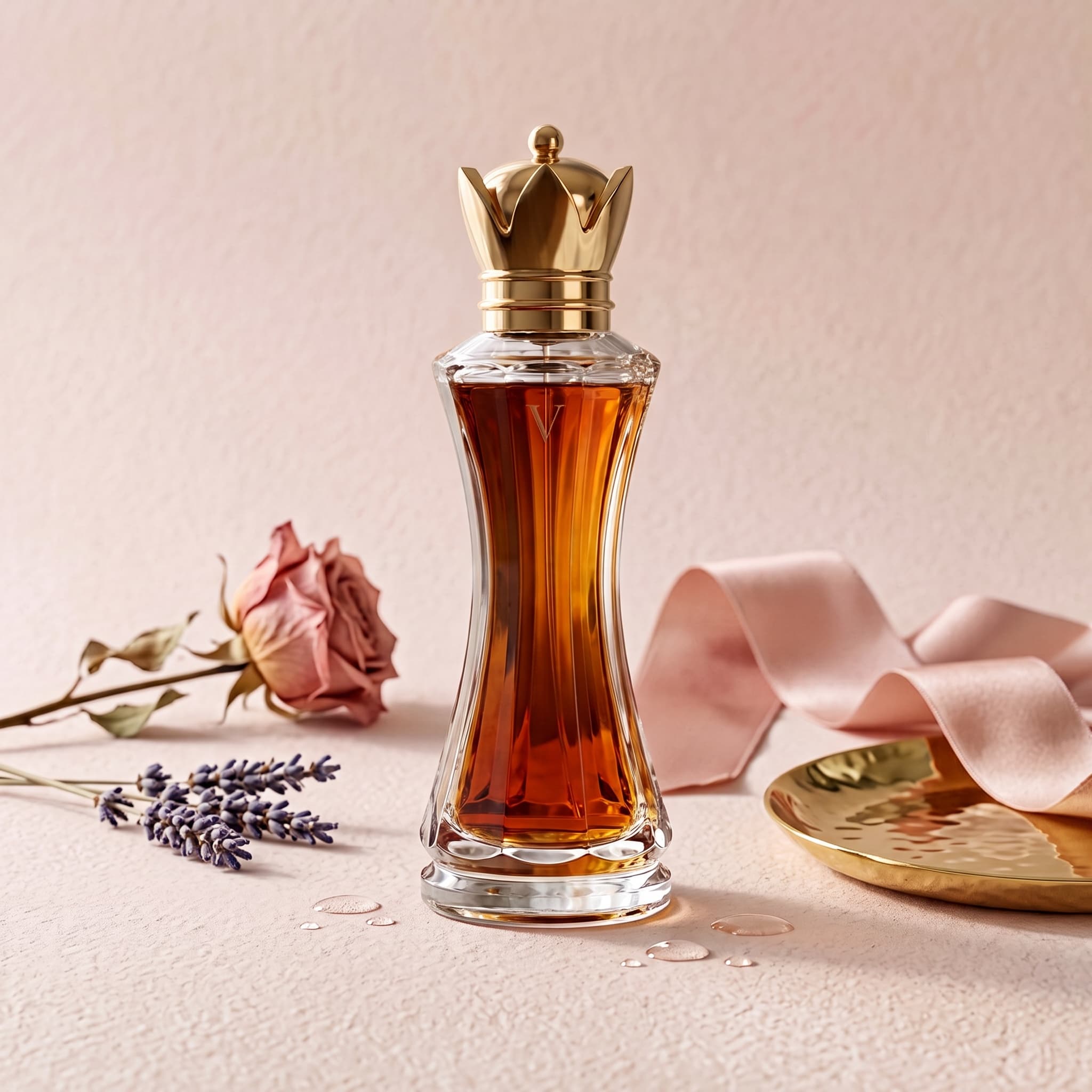
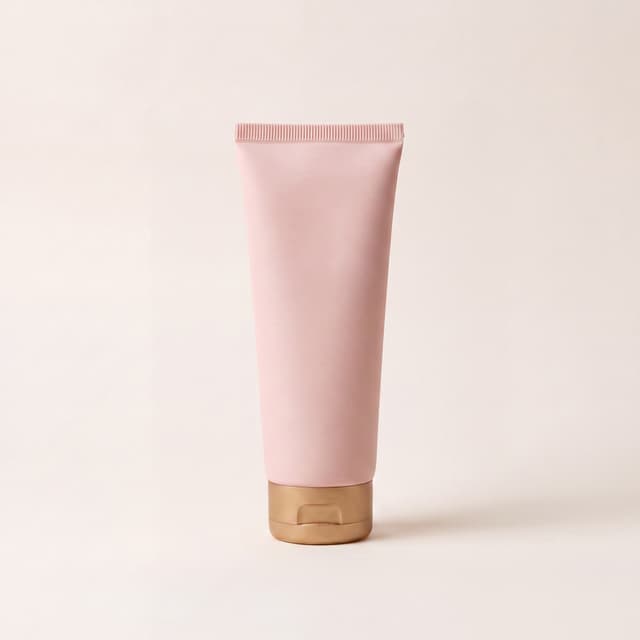 Finished ad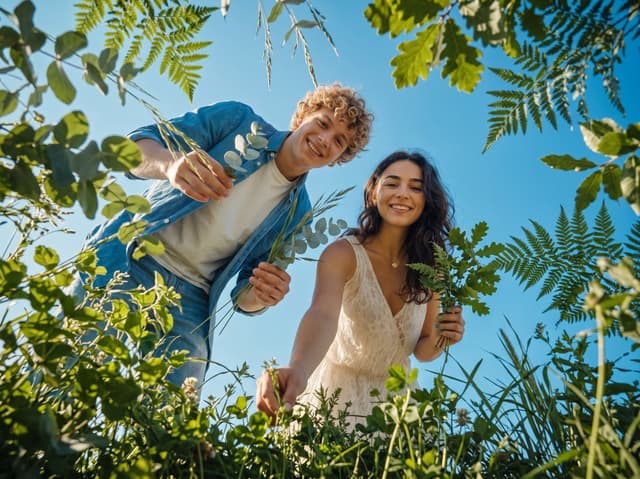



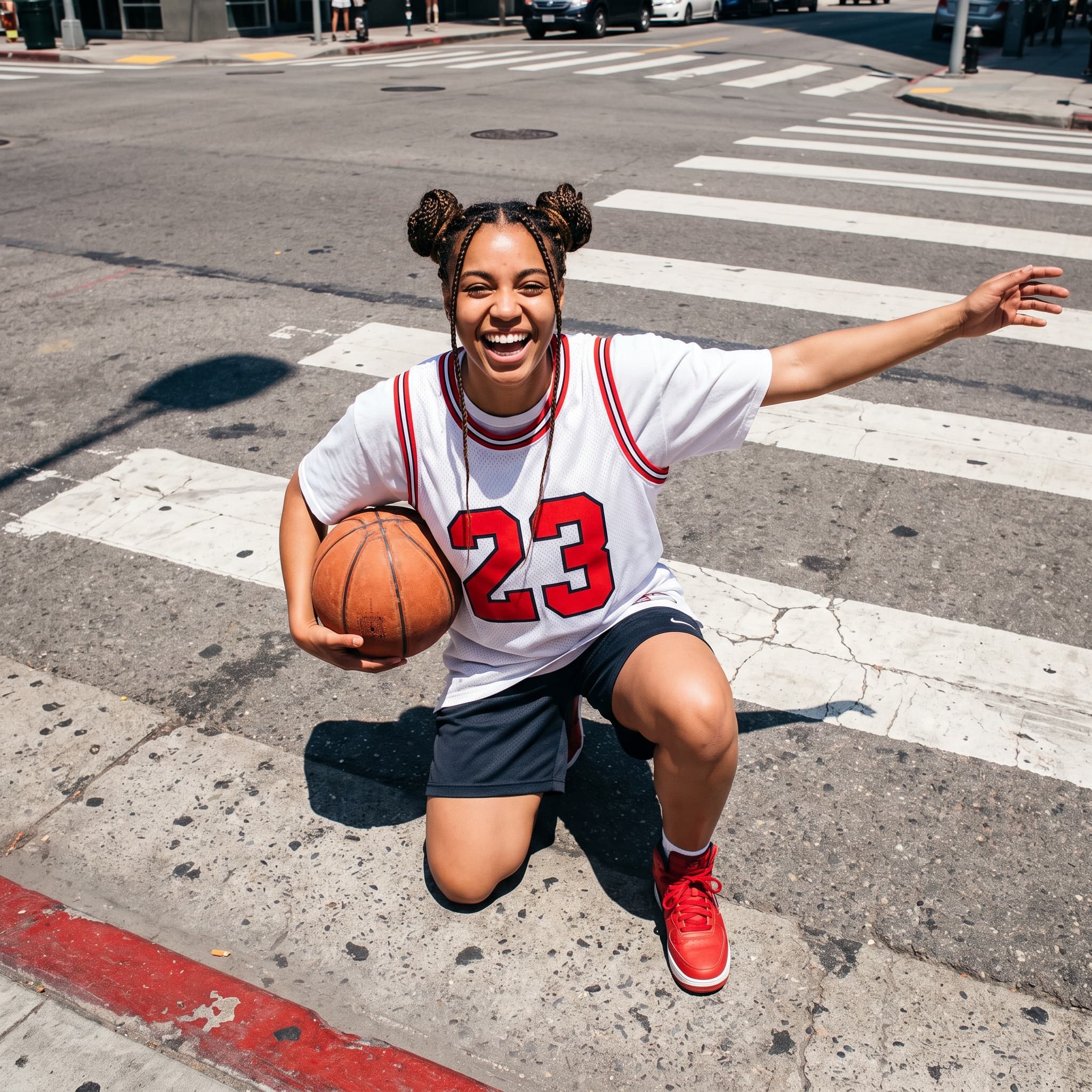
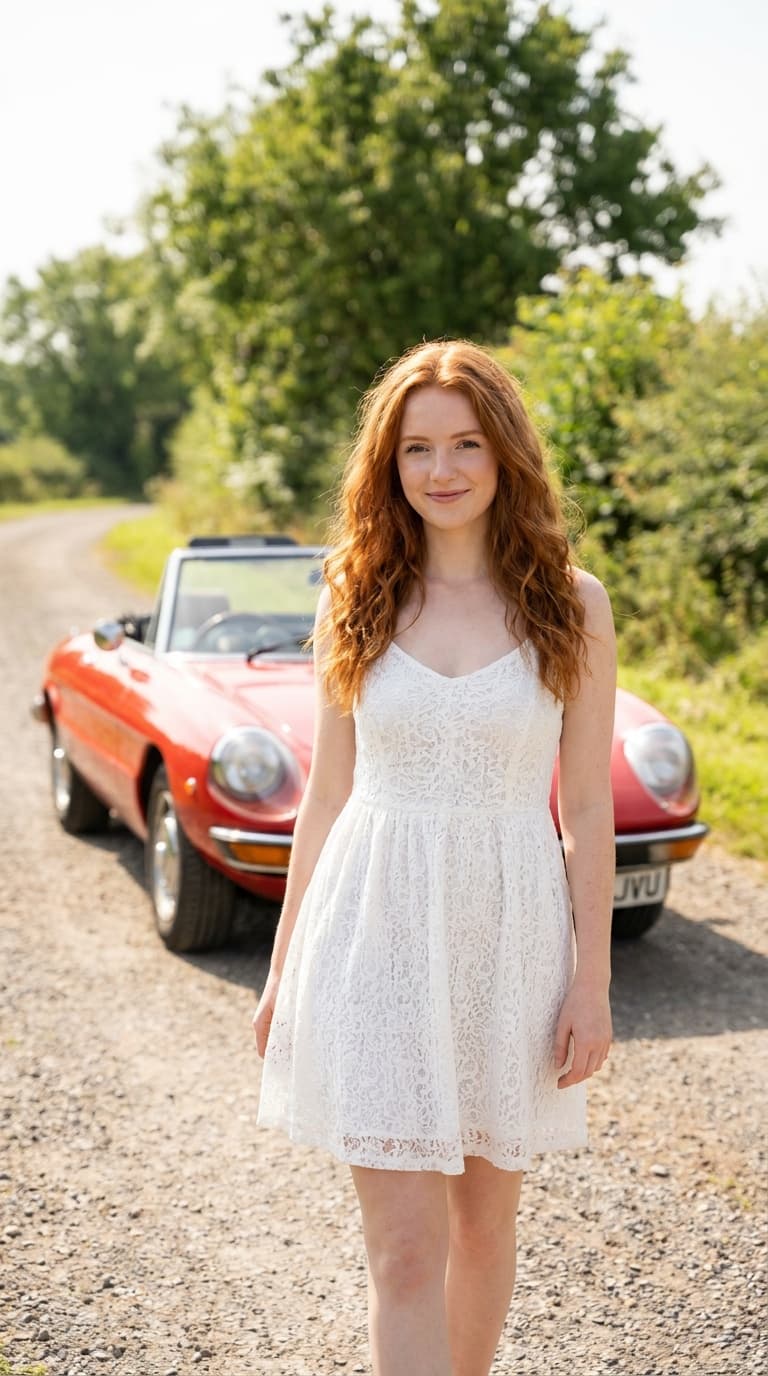 Kling 3.0
 Seedance 2.5
 Veo 3.1
 Nano Banana Pro
 Kling 3.0 Omni
 Seedance 2.0
 Grok Imagine
 Qwen Image
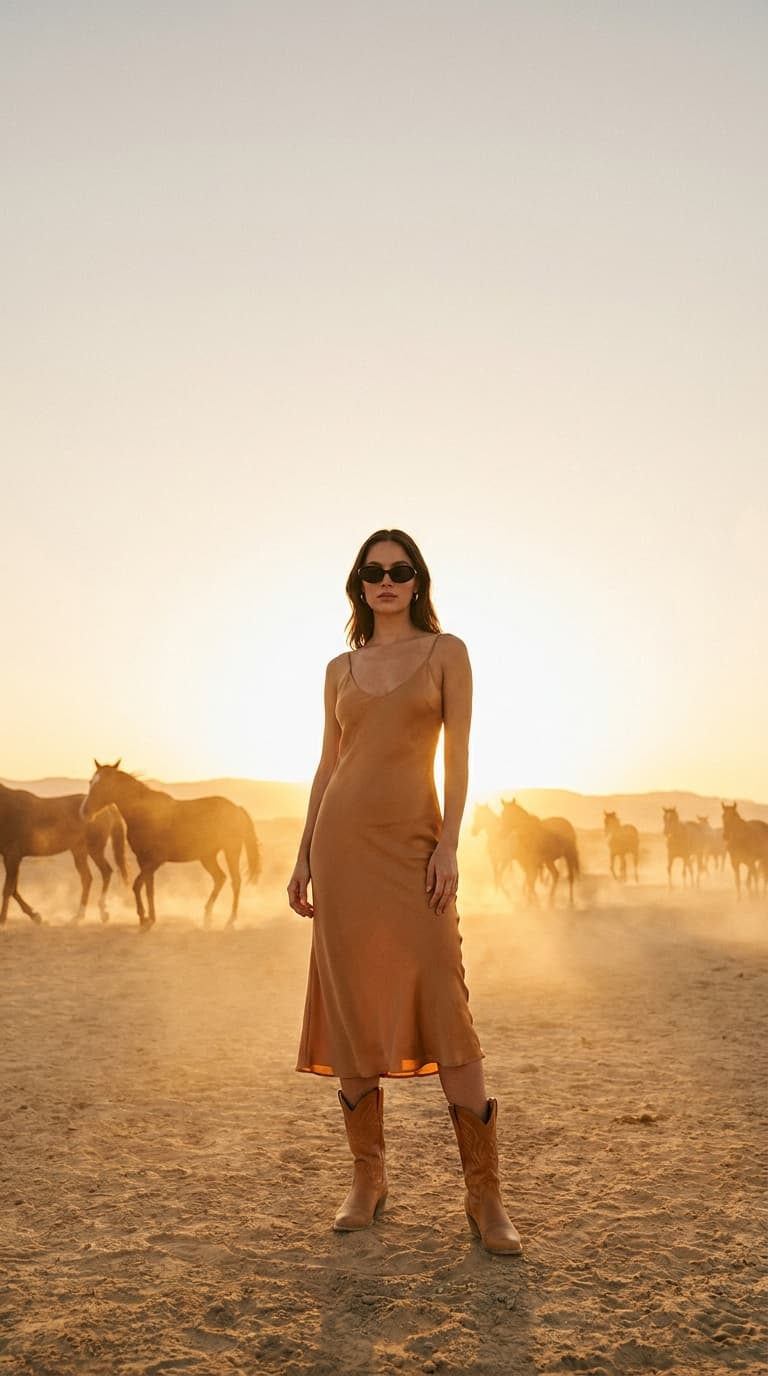 GPT Image 2.0
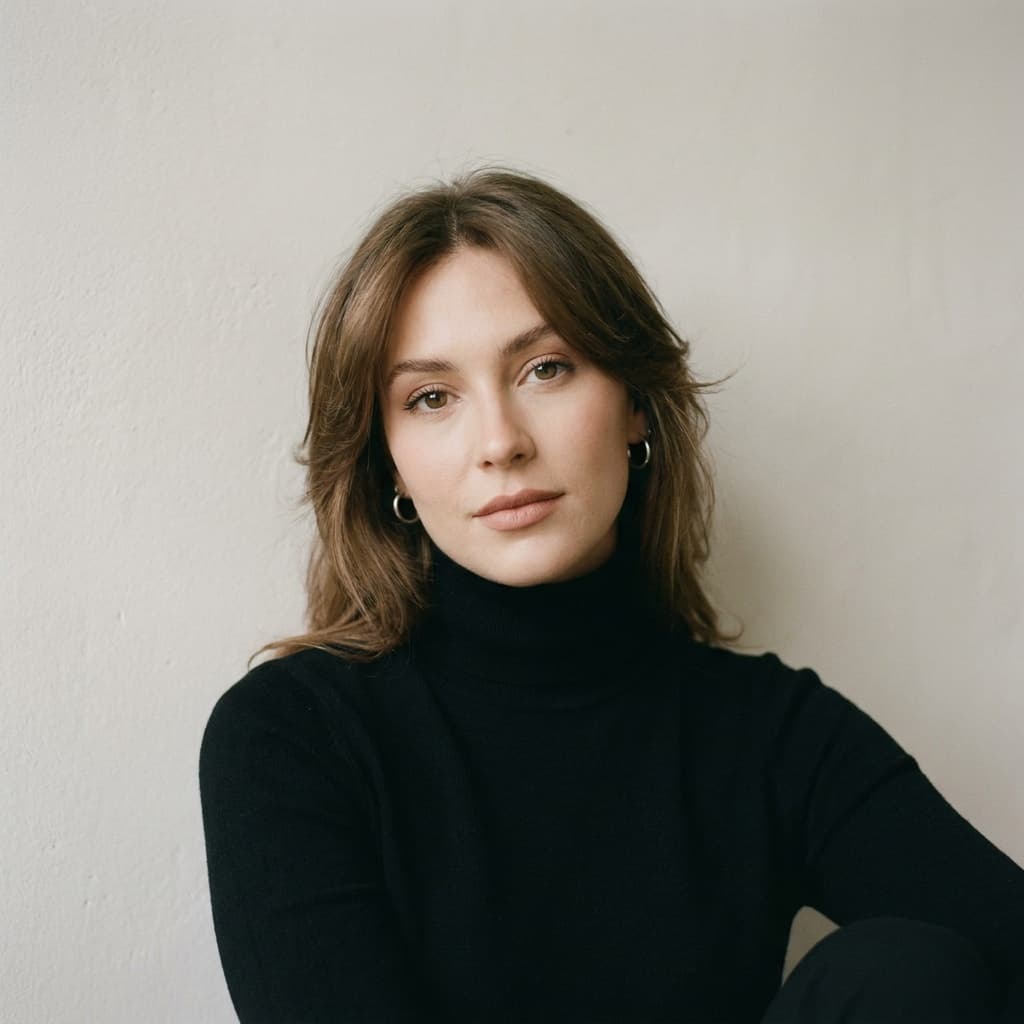 Seedream 5.0 Pro